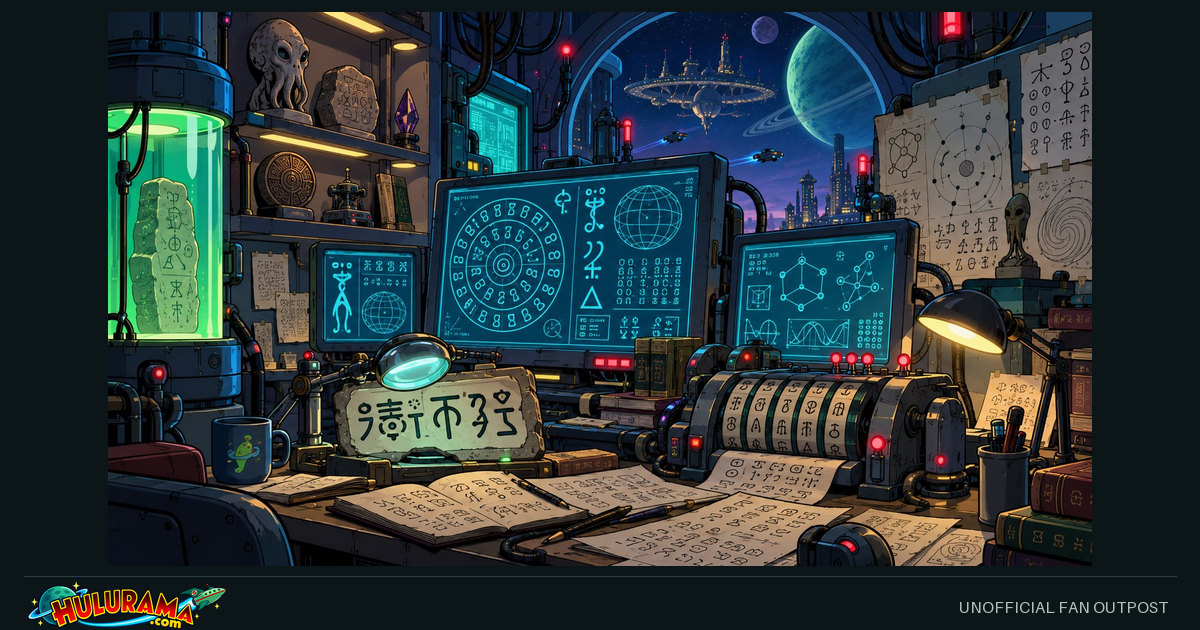
Render words in runes, revisit the legacy cipher, untangle an episode number, or test your crew knowledge.
LEGACY EXPERIMENT / ALIEN LANGUAGE 2
A little interstellar cryptography.
LOCAL ONLY
This workbench uses A–Z to represent the 26 Alien Language 2 symbol positions. It implements the running-sum arithmetic, not an official glyph font or screenshot decoder.
0 / 5000 characters
CIPHER POSITIONS / A = 0 … Z = 25
How the experiment works
Start with a previous ciphertext value of 0. For encoding, add the current letter’s number to the previous ciphertext number, then wrap the total at 26. For decoding, subtract the previous ciphertext number and wrap a negative result back into 0–25.
Spaces, punctuation, digits and non-ASCII characters pass through without changing the state. ASCII letters are normalized to uppercase. TFP becomes TYN (19, 24, 13), and TYN decodes to TFP. This puzzle is not suitable for protecting private information.
The official visual glyph set is not included. Supply a properly licensed glyph asset separately before advertising this as a visual symbol translator.
SEND A TRANSMISSION
Share your way.
NO TRACKING WIDGETS
Keep the image, the blurb and the tags together. Prepare them here, then review your post at its destination. A link preview and an uploaded photo are different kinds of post.
Computer tools
Copy your caption, save the image if needed, then open a browser composer. No phone-style share menu is required.
Your device may offer an app menu. Browser destinations and copy/download tools remain available below.
LINK PREVIEW · HULURAMALegacy Alienese running-sum cipher
Try the preserved A–Z running-sum arithmetic puzzle. Browser-local encoding and decoding; not official alien glyphs or secure encryption.
#Futurama #Hulurama #Alienese
Fan illustration — not an official episode still. Platforms choose their own card layout. Caption edits do not change this preview or the saved page.
1 Choose your destination
Facebook receives the public page URL. Copy and paste the caption yourself.
Enter a public HTTPS hostname. No server is contacted until you follow the composer link.
2 Prepare your post
Copy this text and paste it into your chosen app. Nothing is posted automatically.
Edit blurb and tags
Edits stay in this tab. They do not change the page or metadata. Some destinations use a shorter caption; topic tags, account mentions and Reddit flair are not automatically created.
Copy just the public link
Image for a photo post
Download and attach this file to control which picture you post. A composer link does not upload it for you.
These are ordinary links, not script popups. The same-tab option leaves this page; copy your caption first. Destination login or upload support is controlled by that service.
Only this tool’s public page is shared. Your input, rune output, quiz results and other workbench values are not read or included.
Direct destination links and other apps
Facebook and LinkedIn receive the link, not a prewritten status. Copy post and paste it yourself. For Instagram, TikTok or other image-first destinations, save an image and paste the caption in a supported post type. For Discord, Messenger, Signal, iMessage, Snapchat or other chats, paste the public link or attach the saved image. No application is installed or account connected here.
Sharing help for this browser
API availability is not permission or posting success. If automatic copying fails, use Select text and Ctrl+C (Windows/Linux) or Cmd+C (Mac); on a touch screen, use the selection menu. If native sharing fails, use the browser destination or download/upload steps. No diagnostic data is sent or saved.
Nothing is posted automatically. External links deliberately hand the chosen public text/link to that service. Hulurama loads no social SDK, analytics, account token or tracking pixel, and does not save caption edits or tool input.