Published dossierSubject artwork pendingOpen Mars ↗
MAPS AND MACHINES, WITH CONTEXT
A setting is not its inhabitants
Planets, cities, buildings and organizations are different things. These notes keep their identities separate; links describe a setting or story connection, not a measured travel route.
43 named settings: the 40-item supplied atlas inventory plus Earth, Mars and the Moon, explicitly named in that atlas. Compact notes are separate from inventory-only records. This is not an exhaustive universe census.
Existing published writing and selected images take precedence. Missing entries come from local source digests, not from automatically publishing private research drafts. Inventory-only notes stay out of the sitemap until developed. Fan artwork is interpretive, not proof of geography or engineering.
SEND A TRANSMISSION
Share your way.
NO TRACKING WIDGETS
Keep the image, the blurb and the tags together. Prepare them here, then review your post at its destination. A link preview and an uploaded photo are different kinds of post.
Computer tools
Copy your caption, save the image if needed, then open a browser composer. No phone-style share menu is required.
Your device may offer an app menu. Browser destinations and copy/download tools remain available below.
LINK PREVIEW · HULURAMAExplore the Futurama universe
Visit New New York and stranger destinations through the Hulurama location archive. An unofficial fan guide to the worlds of Futurama.
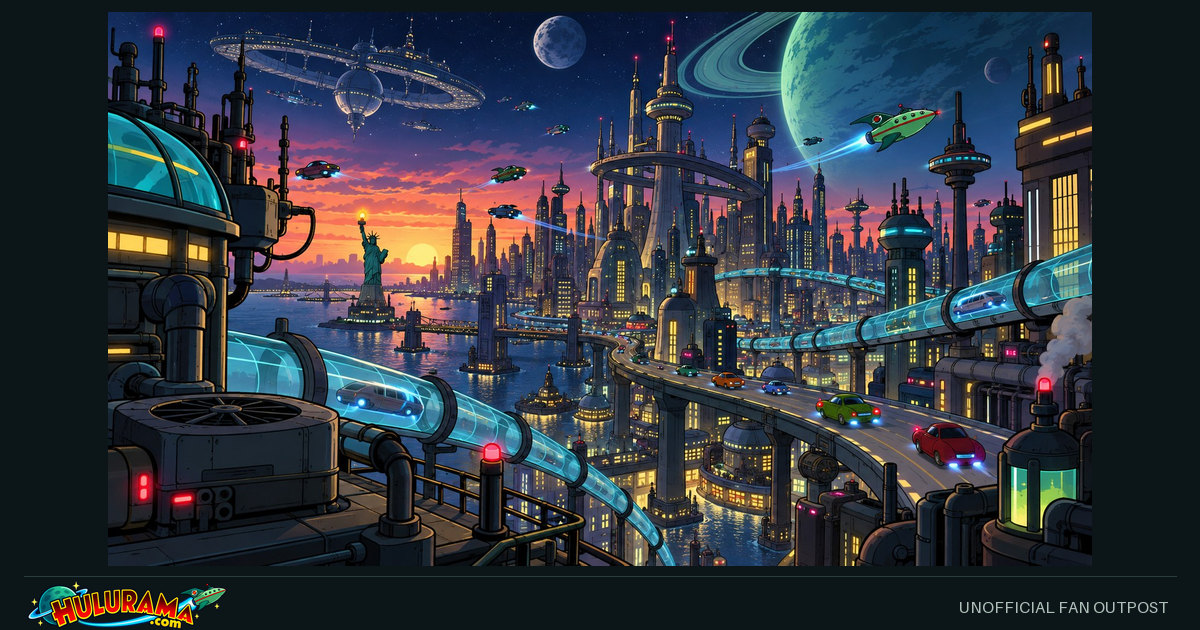
Fan illustration — not an official episode still. Platforms choose their own card layout. Caption edits do not change this preview or the saved page.
1 Choose your destination
Facebook receives the public page URL. Copy and paste the caption yourself.
Enter a public HTTPS hostname. No server is contacted until you follow the composer link.
2 Prepare your post
Copy this text and paste it into your chosen app. Nothing is posted automatically.
Edit blurb and tags
Page-specific tags come first, alongside #Futurama and #Hulurama. Shorter destinations use a smaller selection; your full list stays here.
Edits stay in this tab. They do not change the page or metadata. Some destinations use a shorter caption; topic tags, account mentions and Reddit flair are not automatically created.
Copy just the public link
Image for a photo post
Download and attach this file to control which picture you post. A composer link does not upload it for you.
These are ordinary links, not script popups. The same-tab option leaves this page; copy your caption first. Destination login or upload support is controlled by that service.
Sharing opens the main section, not your search terms, filters or pagination.
Direct destination links and other apps
Facebook and LinkedIn receive the link, not a prewritten status. Copy post and paste it yourself. For Instagram, TikTok or other image-first destinations, save an image and paste the caption in a supported post type. For Discord, Messenger, Signal, iMessage, Snapchat or other chats, paste the public link or attach the saved image. No application is installed or account connected here.
Sharing help for this browser
API availability is not permission or posting success. If automatic copying fails, use Select text and Ctrl+C (Windows/Linux) or Cmd+C (Mac); on a touch screen, use the selection menu. If native sharing fails, use the browser destination or download/upload steps. No diagnostic data is sent or saved.
Nothing is posted automatically. External links deliberately hand the chosen public text/link to that service. Hulurama loads no social SDK, analytics, account token or tracking pixel, and does not save caption edits or tool input.